 swoo
Who calls back tomorrow?
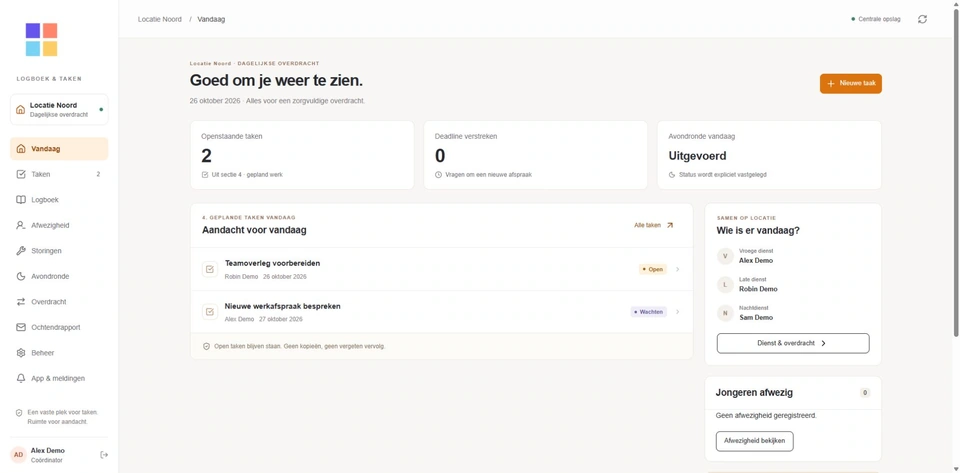
Overdracht gives an outstanding appointment an owner. The next shift can see who will follow up.
 Explore the module ↗
At eight the next shift starts. Yesterday’s agreements, the current procedure and the person following up should all be easy to find.
Overdracht gives an outstanding appointment an owner. The next shift can see who will follow up.
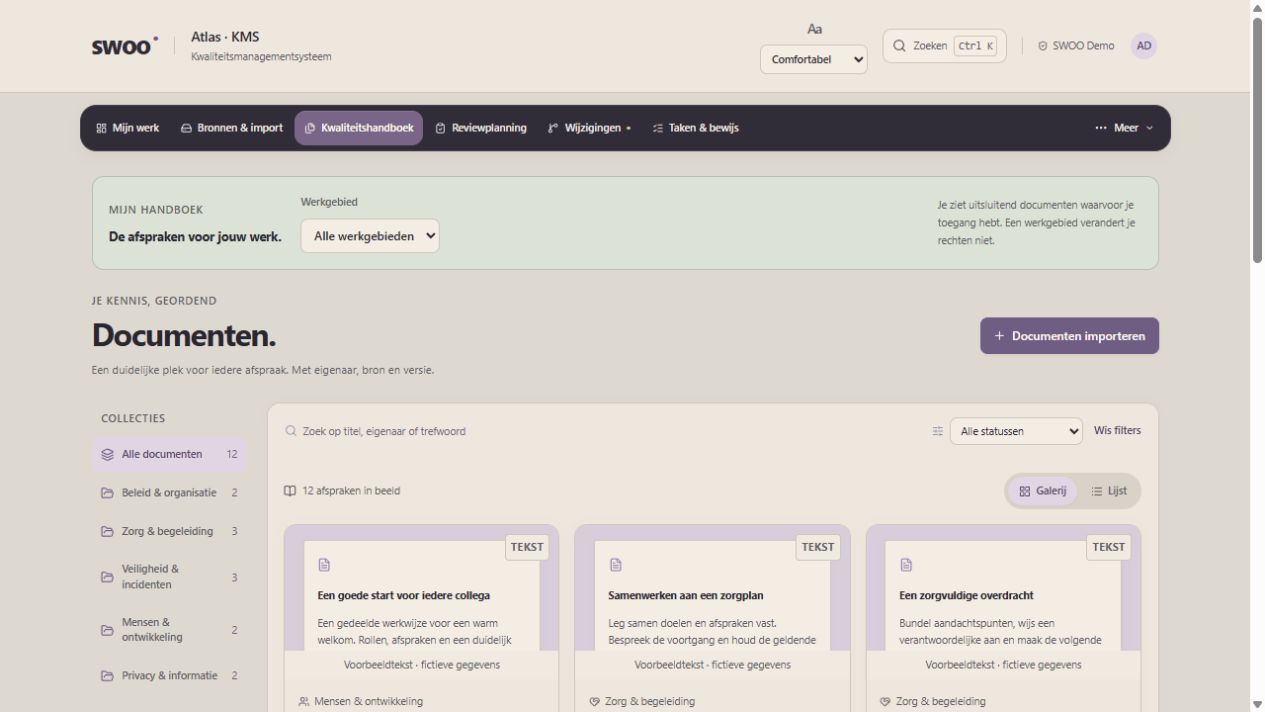
Explore the module ↗Atlas · KMS helps the team find the approved procedure and follow up on improvements.
 Explore the module ↗
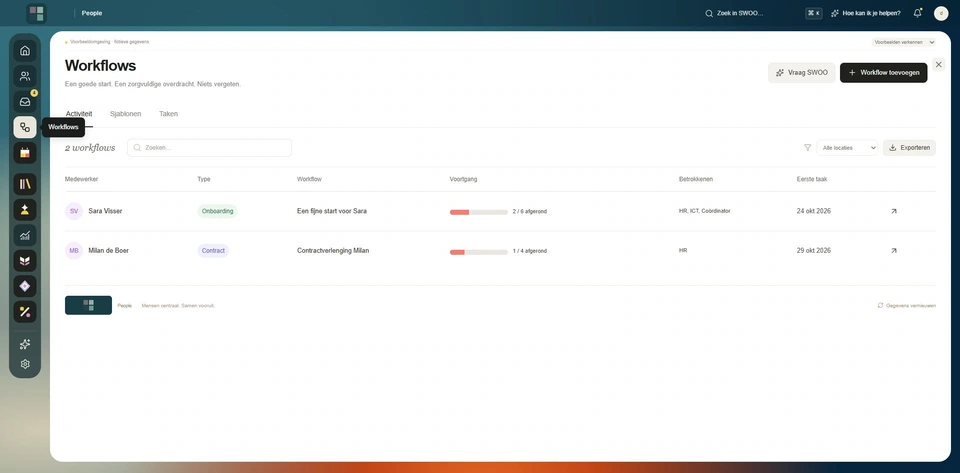
HR & People brings plans, profiles and requests together around the employee.
 Explore the module ↗
Choose your modules and estimate the minutes one team member saves per shift with each. Count a shared task only once.
Weekly hours per module = people × shifts × minutes ÷ 60. Annual hours = weekly hours × working weeks. Annual value = annual hours × hourly cost. The package sums the unrounded results of the selected modules. This estimates the value of time released. Subscription and implementation costs are excluded.
Walk through a handover, document search or first day with the team.
Choose your modules and agree who publishes, who follows up and where colleagues find the current version.
Measure the same task before and after the pilot. Review missed actions and questions from staff as well.
Use what the team learns to refine the setup and introduce it at the next location.